
Last updated October 15, 2026.
This guide shows how to set up a separate, faster patch lane for vulnerabilities that vendors or CISA say are being exploited. It’s for endpoint and security teams that patch on a monthly ring schedule and need a short, pre-approved path for the cases that can’t wait. A first version takes a day to define and a week to test.
I wrote about the reason in the February issue of MDM Monthly: the monthly ring schedule isn’t built for fixes that attackers are already using. This is how to build the alternative.
Before you start
- A list of the platforms you manage and the tool that patches each one: Intune for Windows, Intune or another UEM for Apple devices, and the vendor process for any on-premises management server.
- A pilot group for each platform.
- A named approver who can authorize an emergency change without a committee meeting.
Step 1: Define what triggers the lane

Write a short rule. I use two triggers:
- A vendor says the flaw is exploited. Apple’s wording, for example, is that it is aware of a report that the issue may have been exploited. Microsoft marks exploited flaws in its monthly release, and Google notes limited, targeted exploitation in the Android bulletin.
- CISA adds the flaw to its Known Exploited Vulnerabilities catalog.
Either one opens the lane for a product you run. Anything else stays on the normal schedule.
Step 2: Set the deadline
CISA’s own deadlines show how short these windows get. Ivanti disclosed its EPMM zero-days on January 29, and CISA set a February 2 deadline for federal agencies. For the exploited Android flaw in March, CISA gave about three weeks. For the May EPMM zero-day, the deadline was three days.
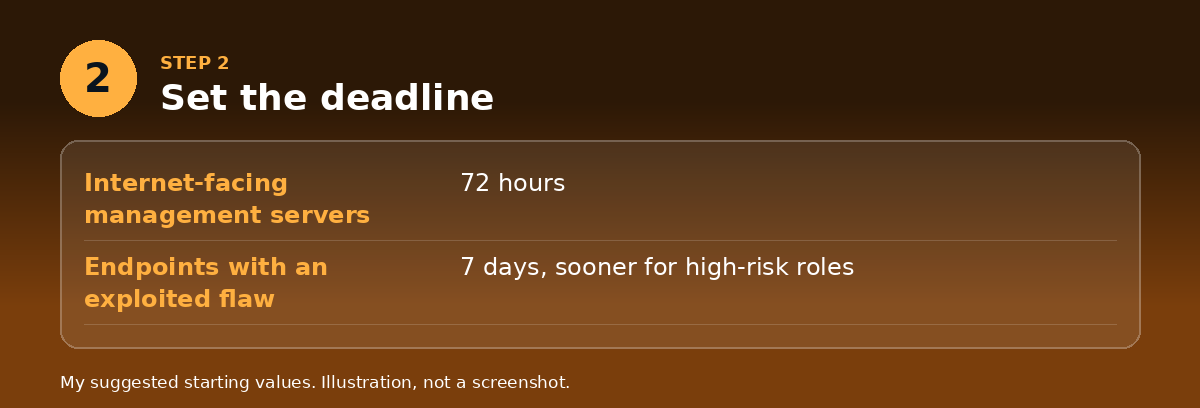
Set your own tiers and write them down. A reasonable starting point:
- Internet-facing management servers: 72 hours.
- Endpoints with an exploited flaw: 7 days, and sooner for high-risk roles.
These are my suggested starting values. Adjust them to your risk, but pick numbers, because a lane with no deadline is just the monthly ring with a different name.
Step 3: Build the lane for each platform
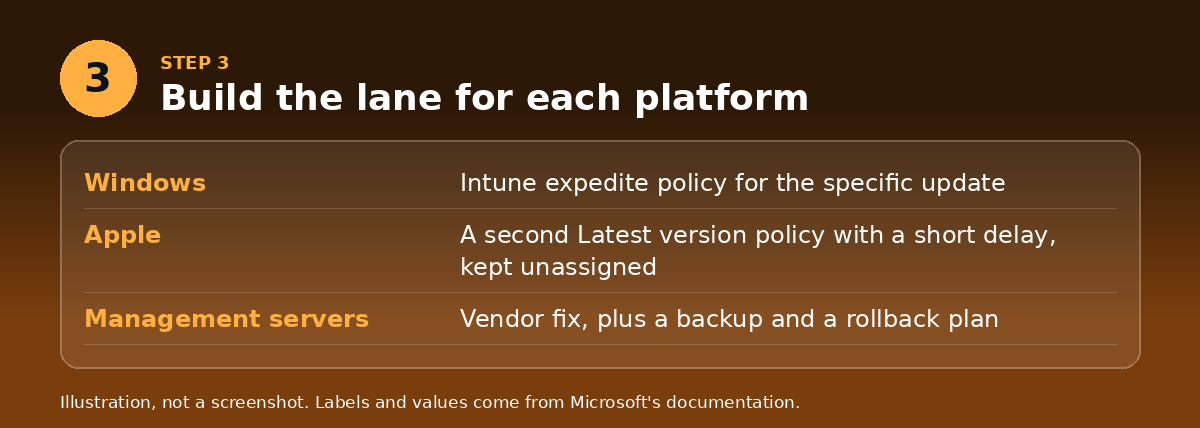
Windows, with Intune. Use an expedite policy to accelerate a specific quality update for a limited set of devices. Microsoft says you can use one without a full quality update policy. The requirements are strict, so check them now, not during an incident:
- Intune Plan 1 and a Windows license with the Autopatch entitlement.
- Windows Pro, Pro Education, Enterprise or Education. Enterprise LTSC isn’t supported, so those devices need update rings.
- Devices managed by Intune and joined to Entra, with diagnostic data set to at least Required and the Microsoft Account Sign-In Assistant service (
wlidsvc) running. - Intune allowed to access Windows diagnostic data, for reporting.
Practice creating an expedite policy for a recent update on a pilot group so the fields are familiar. Microsoft’s expedite article doesn’t spell out restart behavior, so test what your users see.
Apple, with declarative updates. Create a second Latest version policy with a short Delay in Days and an Install Time outside working hours, and keep it unassigned until you need it. My declarative updates guide has the steps. Remember that DDM enforcement overrides other update settings on the device.
On-premises management servers. Keep the vendor’s advisory contacts and your backup process ready. For the January Ivanti flaw, the interim fix was a patch that needed reapplying after an upgrade, so record how the fix survives your upgrade path.
Step 4: Pre-approve the change
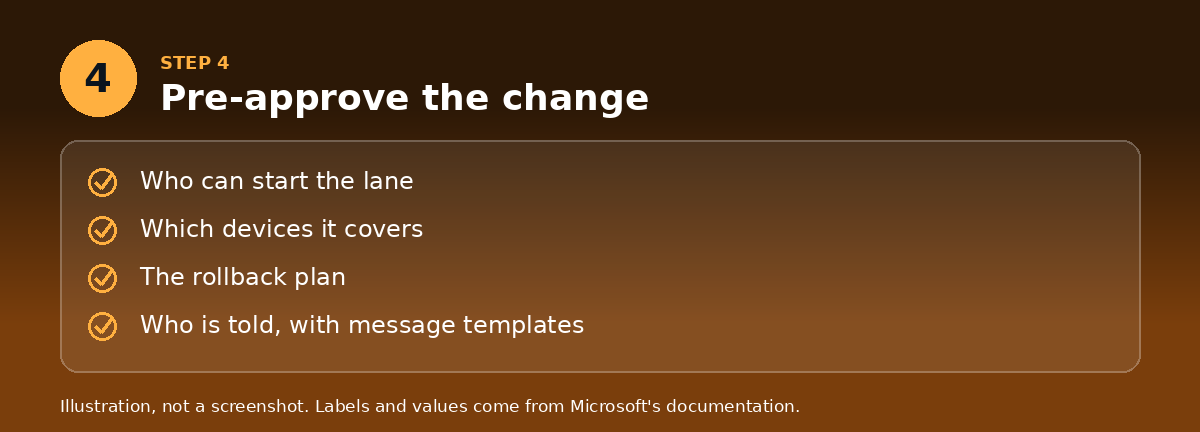
The lane only works if nobody has to ask permission each time. Get a standing emergency-change approval from your change board that covers the lane. It should say who can start it, which devices it covers, what the rollback is, and who is told. Keep a short message template for users and for your service desk.
Step 5: Pick the pilot group and run it
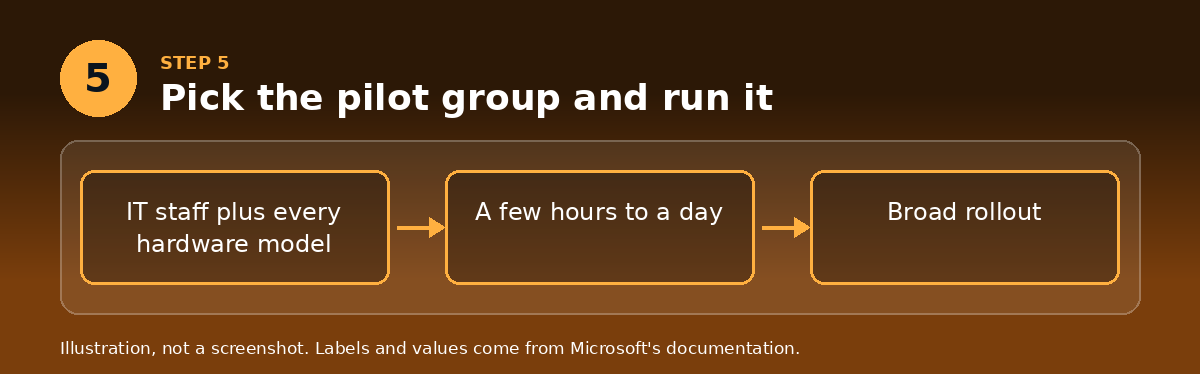
Include IT staff and at least one device of every hardware model. The pilot runs for a few hours to a day, not weeks. Roll back only if the pilot shows a real fault, and compare that cost against the exploitation risk.
Step 6: Measure it
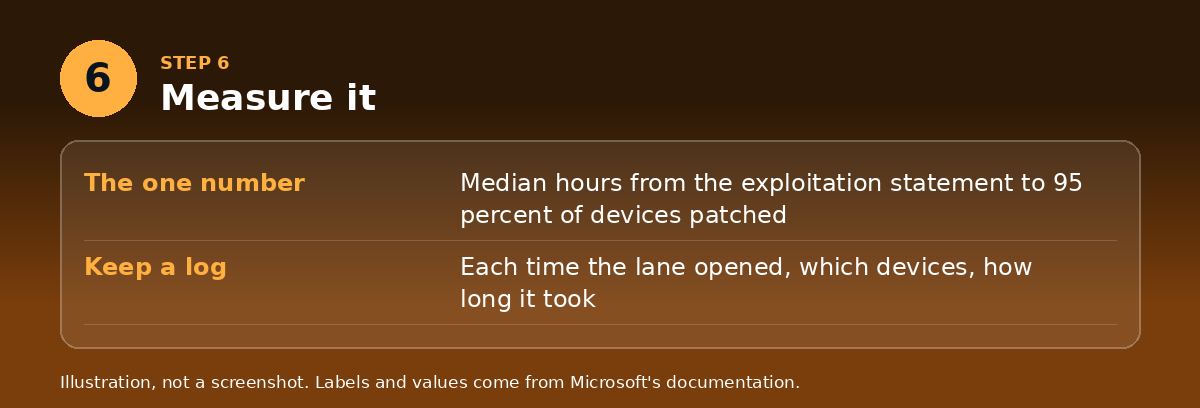
Track one number: the median hours from the exploitation statement to 95 percent of devices patched. Keep a log of every time the lane opened, which devices it covered and how long it took. This log is also your evidence for auditors and insurers.
Step 7: Rehearse

Run a drill each quarter on a real or recent flaw. Time each step, find what slowed you down, and fix it.
Check your work
- Your trigger rule fits on half a page.
- Every platform has a named tool, a pilot group and a deadline.
- A standing emergency-change approval exists and is dated this year.
- You can state your last time-to-patch number.
Common mistakes
- Defining the lane but not pre-approving it, so it still waits for a meeting.
- Treating every vulnerability as an emergency, which makes the lane meaningless.
- Forgetting devices that expedite doesn’t cover, such as Enterprise LTSC or devices that aren’t joined to Entra.
- Never practicing, so the first use is an incident.
My take
The monthly schedule is for change control, and the lane is for risk. Keep them separate, keep the lane small, and measure it. A team that can say “we patch exploited flaws in 72 hours” has a better conversation with its executives, auditors and insurers than one with a better calendar.
Sources
- Microsoft Learn: Quality updates and expedite policies in Intune
- Microsoft Learn: Apple software update policies in Intune
- CISA: Known Exploited Vulnerabilities catalog
- BleepingComputer: Ivanti warns of two EPMM flaws exploited in zero-day attacks
- The Hacker News: Google confirms CVE-2026-21385
- CISA adds a Known Exploited Vulnerability, May 7, 2026
- MDM Monthly, February 2026
- MDM Monthly, August 2025
- MDM Monthly, December 2025
I’m TJ Singh, a managing principal in mobility and endpoint management with more than 20 years of global experience in the device management field.
About me · Start here · Predictions
AI tools may have been used to conduct research for this article.